
Download Light Lane
14-day free trial with full Pro features. No credit card. Download the installer, sign up, and start engraving in minutes.
- macOS: Apple Silicon and Intel. DMG installer with auto-update.
- Windows: 64-bit. NSIS installer with silent auto-update.
- 14 days free. Full Pro access. App locks after trial until you pick a plan.
From download to first engrave
Most people are engraving real work in under 10 minutes.
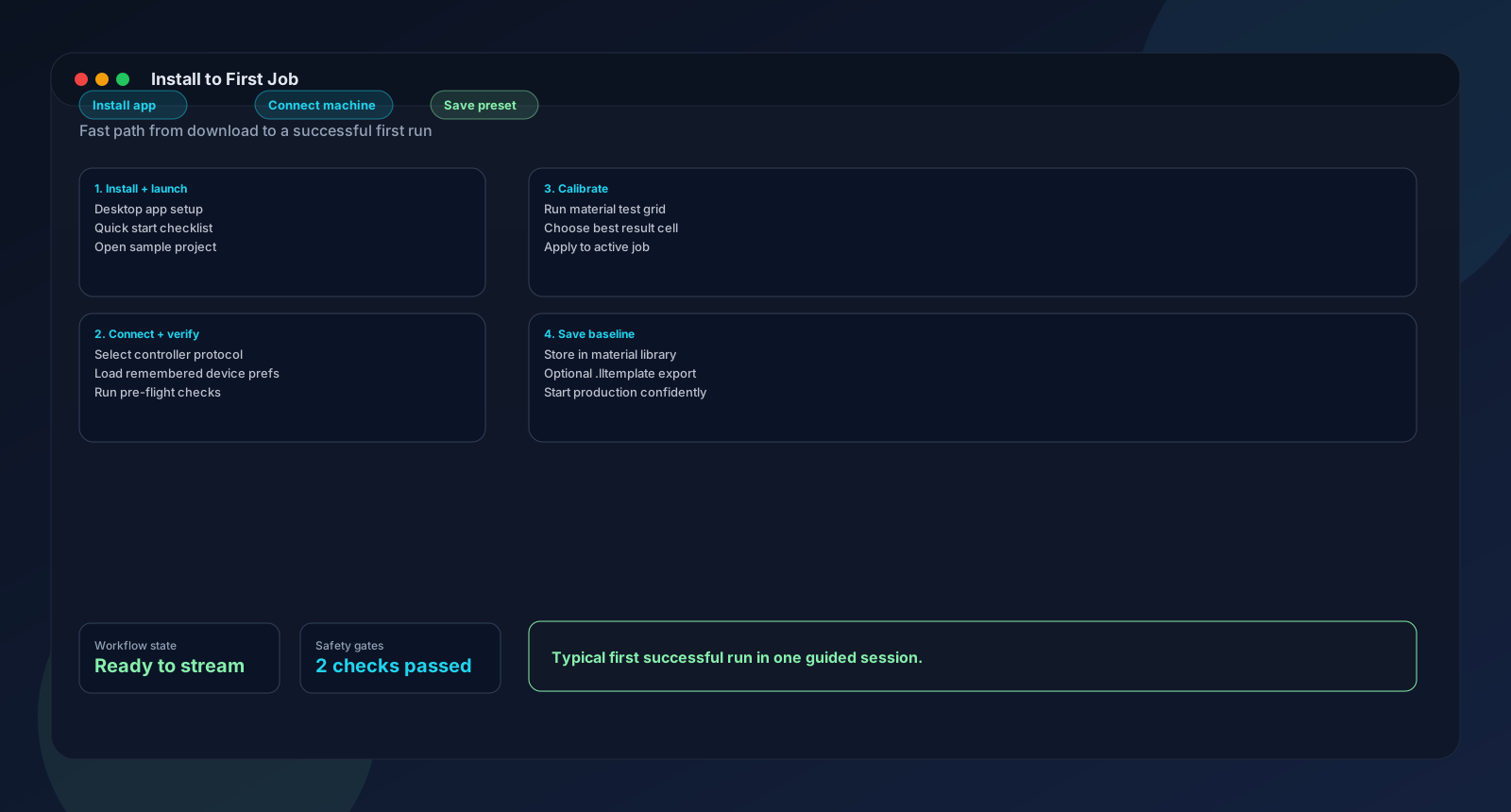
- Step 1
Download and install
Grab the installer for your OS. On macOS, open the DMG and drag Light Lane to Applications. On Windows, run the installer. Both include auto-update, so you always have the latest version without downloading manually.
Why it matters: One installer. No dependencies to manage.
- Step 2
Sign up and activate
Open Light Lane and create a free trial account at the portal. Full Pro features for 14 days. No credit card. If your network is restricted, there is a full air-gapped activation flow: copy a device code to the portal on another machine, paste the activation package back into the app.
Why it matters: Works on any network, including fully air-gapped environments.
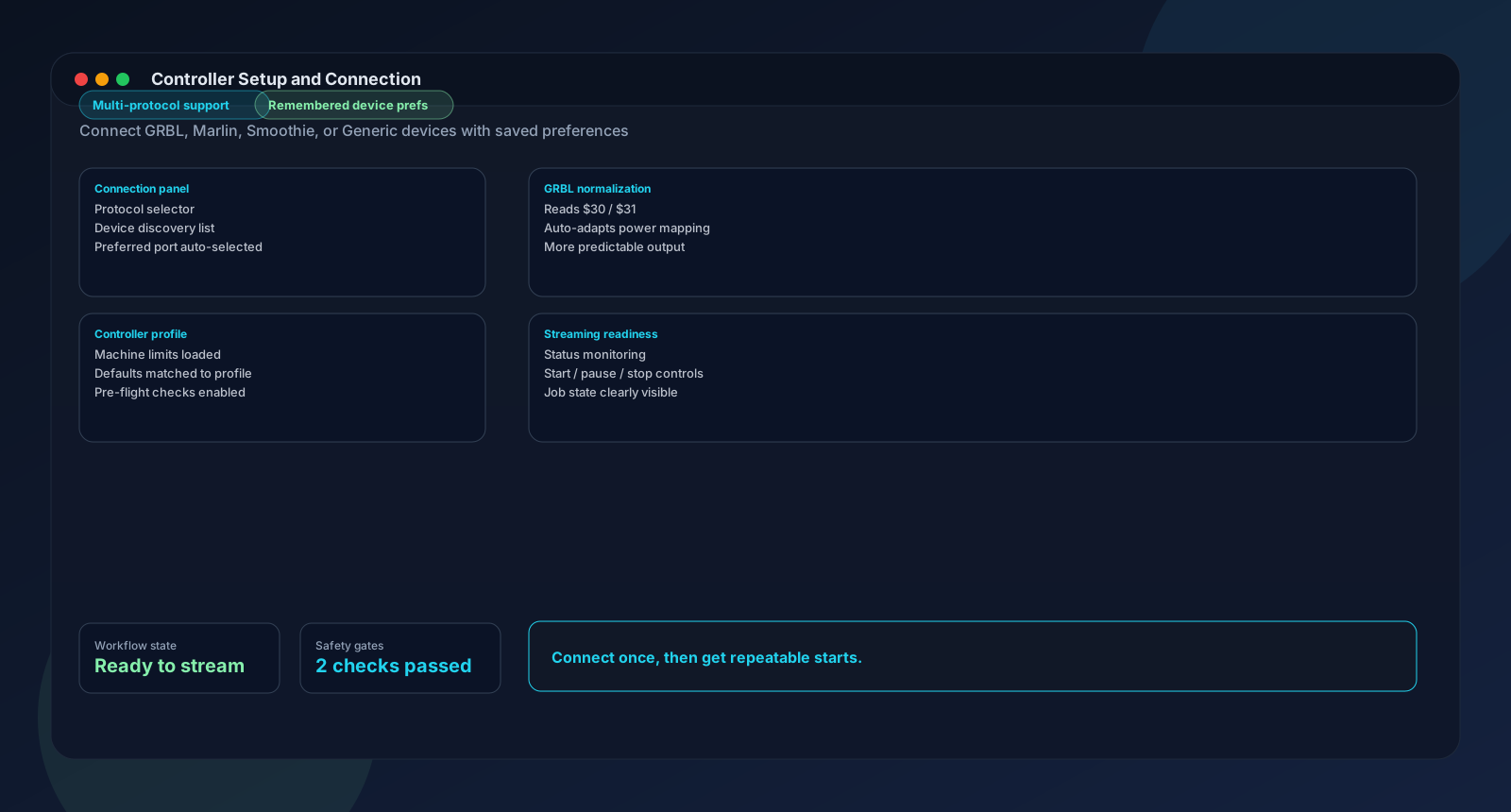
- Step 3
Connect your laser
Plug in the USB cable and open the port dropdown. Light Lane auto-detects your controller: GRBL, Marlin, or Smoothieware. It reads your GRBL $30 and $31 registers to scale laser power correctly. For Ruida CO2 controllers, download the free Ruida helper from our website. It handles USB and Ethernet connections.
Why it matters: Auto-detection means you do not need to look up baud rates or protocols.
- Step 4
Import and engrave
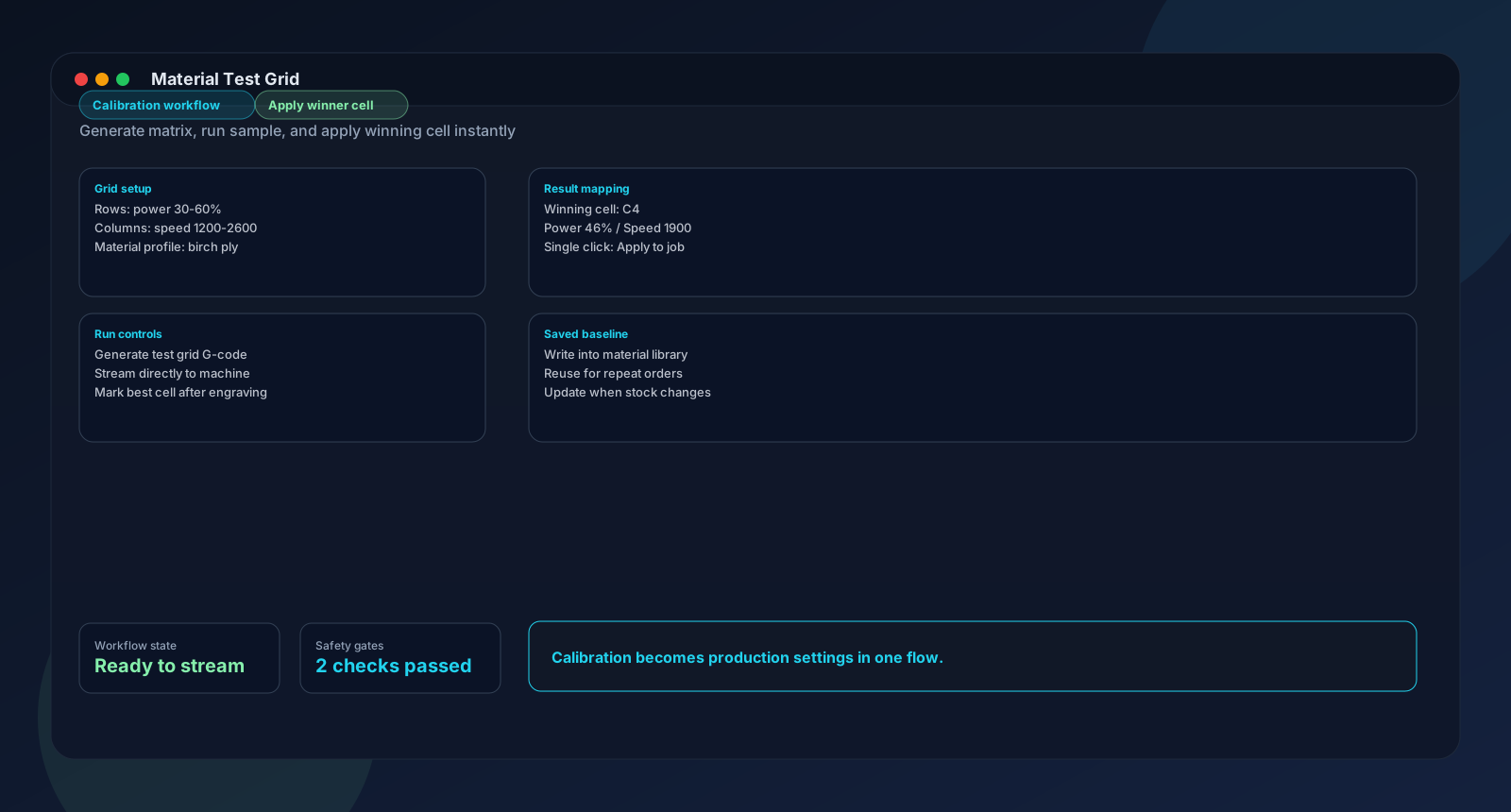
Drag your artwork onto the canvas. Pick a processing mode. Use the AI assistant or burn a test grid on a scrap to find settings that work. Preview the colour-coded toolpath. Hit Send to Laser. Your first real engrave is done.
Why it matters: Connect, settings, preview, send. Four stages, all in one app.
What you get in the download
Everything ships in one installer. No add-ons or plugins required, except the optional Ruida helper for CO2 lasers.
- Five processing modes: vector outline, vector fill, raster grayscale, raster threshold, raster dither.
- AI Settings Assistant and AI Engrave Assistant for finding the right parameters (requires internet).
- Material test grid with live engraving monitor. Burn up to 400 combinations, click the winner (Pro).
- 17 built-in material presets: birch plywood, acrylic, anodized aluminium, leather, pine, oak, and more.
- Templates with placeholder positions and .lltemplate export for repeat jobs (Pro).
- Step and Repeat grid duplication for filling sheets with copies of your design (Pro).
- Shape editor with 8 presets and custom freeform drawing.
- Text editor with 65+ fonts, plus barcode and QR code generation.
- SVG layer management: show, hide, reposition, and scale individual elements within an imported SVG.
- Colour-coded toolpath preview with estimated engraving time.
- Auto-update on macOS and Windows. Always the latest version.
System requirements
| Platform | Details |
|---|---|
| macOS | macOS 10.13 (High Sierra) or later. Apple Silicon (arm64) and Intel (amd64). DMG installer. |
| Windows | 64-bit (amd64). NSIS installer with silent auto-update. |
| Connection | USB serial for GRBL, Marlin, and Smoothieware. USB or Ethernet for Ruida (via helper binary). |
| Internet | Required for licence activation (or use the air-gapped flow), AI assistant, and update checks. Everything else works offline. |
| Trial | 14 days. No credit card. Full Pro features. App locks after trial until you pick a plan. |
| Pricing | Maker: $12/month. Pro: $24/month. Education and Enterprise: contact us. |
Download and installation questions
What should I do right after installing?
Open Light Lane, create a free trial account at the portal, and connect your laser via USB. The app auto-detects GRBL, Marlin, and Smoothieware controllers. From there, import a file and either ask the AI for starting settings or burn a small test grid on a scrap of material.
Can I use Light Lane without internet?
Yes. Everything except the AI assistant works offline. Licence activation has a full air-gapped flow: generate a device code in the app, paste it into the portal on a connected machine, copy the activation package back. After that, no internet needed.
What happens when the 14-day trial ends?
The app locks until you pick a plan. Your projects, presets, and templates are still saved. Subscribe to Maker ($12/month) or Pro ($24/month) and everything unlocks immediately.
Does Light Lane auto-update?
Yes. macOS and Windows both include silent auto-update with SHA-256 checksum verification. There is also a beta channel if you want early access to new features.
Which controllers does Light Lane support?
GRBL with full auto-detection at 115200 baud, $30/$31 power scaling, M4 dynamic mode, and character-counting streaming. Marlin and Smoothieware with auto-detection and firmware-specific G-code. Ruida CO2 via a separate helper binary (free download from our website, beta) over USB or Ethernet.
Download Light Lane and start engraving
14-day free trial. Full Pro features. No credit card. macOS and Windows.
Next steps
Validate one real workflow in Light Lane, then move to the most relevant guide or feature page.
Last updated February 20, 2026